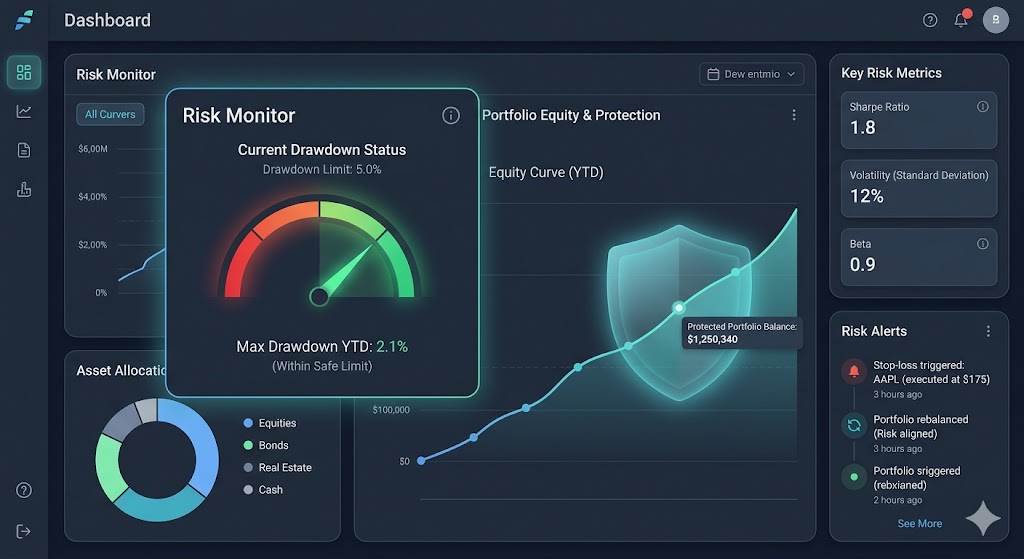
A trading plan is easier to follow when its limits are visible before the market becomes stressful. Guard is a way to organise account-level risk rules so you can see the boundaries you have chosen, rather than relying only on memory or emotion while a trade is moving.
Guard in plain language
Think of Guard as a set of guardrails for your trading plan. You set the limits for an account, such as how much you are prepared to lose in one day or on one trade, in the Guard tab of the GreatBless trading page. Once a rule is running, it is enforced on the broker's servers around the clock, even when the trading page is closed. Depending on the rule, it either blocks the order that would break it or, when a limit is reached, takes the action you chose: Lock trading disables trading on the account for the number of hours you set, closing open positions and cancelling pending orders, while Close all positions closes every open position and cancels pending orders. The purpose is not to predict the market or guarantee a profit. Its purpose is to help you make the risk rules in your plan clear and consistent.
How to read the Guard overview
- Daily loss limit: A loss boundary for a trading day. In the Guard tab this is Loss management → Maximum daily loss, set as a percentage of start-of-day equity, so losses on open positions count towards it. Before relying on this setting, read the rule's information panel to see how it is measured and when the daily period resets.
- Risk per trade: The amount or percentage you decide to put at risk on one idea. In the Guard tab, Order's P&L can limit the floating loss on each open position, either as a percentage of the balance or as a fixed USD amount. This is a planning boundary, not a prediction of the result, and it should be considered alongside position size and your stop-loss plan.
- Trading session rules: The Trading session rule blocks new trades during a time window you choose. It can help you keep activity within the times in your plan.
- Equity protection: Rules connected to account equity, such as Equity management (a minimum and maximum equity range), Equity drawdown and Floating drawdown. Equity changes while positions are open, so read each rule's information panel to understand exactly what it measures.
A simple example
The overview shown on the site uses a 2.0% daily loss limit and 1.0% risk per trade as an illustration, and the interactive Trader Guard demo sets a 3% Maximum daily loss with Lock trading for 1 hour. Those numbers are not a recommendation and may not suit every trader or account. The useful habit is to choose and understand your limits before opening a position, then check that your order size and stop-loss plan fit within them.
Scenarios and commitment periods
Guard rules are kept in a scenario. Each rule change asks you to confirm it, and changes to a scenario stay as a draft until you select Save changes. Running a scenario starts an effective period of 7 to 90 days that you choose. While that period is active, its rules cannot be turned off or loosened, so set limits you are prepared to keep.
What Guard can and cannot do
Guard can make configured limits easier to monitor and applies them consistently once they are running. It cannot remove market risk, prevent every loss, or turn a losing trade into a profitable one. It also does not replace learning how the product works, reviewing the applicable terms, or using a demo account to test your process.
A sensible way to get started
- Write the rule first: Decide what your daily and per-trade boundaries mean to you before you trade.
- Check the calculation: Review how each account rule is measured, when it resets, and what happens when a boundary is reached.
- Test your workflow: Use a demo environment to practise order sizing, stop-loss placement, and the rules you intend to follow.
- Review after trading: Compare the trade you took with the plan you wrote, then adjust your process thoughtfully rather than reacting to a single outcome.
Risk controls are most useful when they support a plan you understand. Before trading, review the relevant account settings and applicable terms. Trading involves risk and losses can occur.